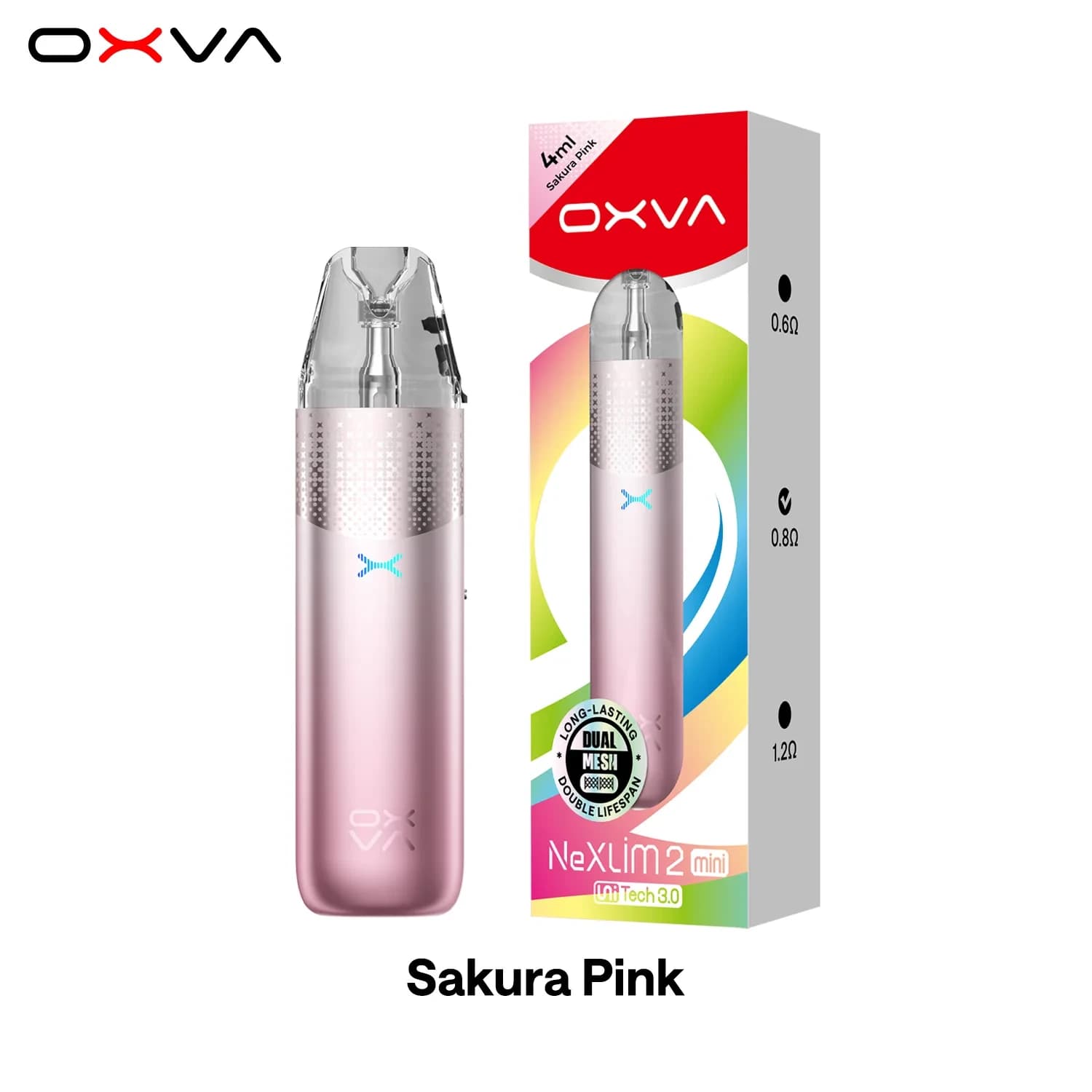
Oxva NeXLim 2 mini
Product price٪30 Sale
56 ₪
Remaining 5 pieces

OXVA Xlim Pro 4 Features
ABT anti-burn tech that reads the e-liquid level and stops dry hits
XLIM ABT cartridge on UNITECH 3.0, ready 30 seconds after filling
5 to 30W output with auto-draw and button firing
1800mAh built-in battery with 5V/3A Type-C charging
0.98 inch HD colour screen with a charging countdown
One-tap ECO mode to stretch a low battery
Vertical airflow slider from MTL to RDL
Takes every Xlim cartridge, ABT or standard
Zinc alloy body in 10 colours
ABT Anti-Burn Tech
ABT stands for Anti-Burn Tech. Rather than watching the coil temperature, the Xlim Pro 4 reads the e-liquid level inside the cartridge. When it senses low or no e-liquid, it stops firing and shows a refill alert, so the coil is not fired dry. OXVA say this also means less pod waste. ABT needs an XLIM ABT cartridge fitted, and the kit comes with two.
1800mAh Battery and 3A Charging
The battery is 1800mAh, up from 1500mAh on the Xlim Pro 3, and it charges by Type-C at 5V/3A. OXVA say a full charge takes about 40 minutes with a 5V/3A adapter and cable, and they rate 10 minutes on the charger as a quick boost. While it charges, the screen counts down the time left until it is full.
HD Screen and ECO Mode
The 0.98 inch HD colour screen shows your battery, wattage, puff count and charging status in one view, and you can pick from 4 themes, 3 vaping animations and 3 lighting effects. When the battery is low, one tap puts the kit in ECO mode, which turns the screen power down so the charge lasts longer.
How to Use the OXVA Xlim Pro 4
To use the OXVA Xlim Pro 4, fill the ABT cartridge from the top, wait 30 seconds, then draw or press the button to vape. These steps follow OXVA's own guidance:
Fill the fitted cartridge through its top fill port with nic salt or freebase e-liquid, then close the port.
Wait 30 seconds so the UNITECH 3.0 coil soaks through before the first puff.
Set the airflow with the vertical slider, closed for a tight MTL draw or open for a looser RDL draw.
Draw to vape, or press the button if you would rather fire it by hand.
If the screen shows a refill alert, top up the cartridge. ABT has stopped the kit firing because the e-liquid is low.
How to Turn ABT On or Off
To turn ABT on or off on the OXVA Xlim Pro 4, fit an ABT cartridge and press the button 8 times in a row. OXVA warn that with ABT off, dry hits can happen when the e-liquid gets low, so we would leave it on.
Xlim Pro 4 Pods and Wattage
The Xlim Pro 4 comes with a 0.6 ohm and a 0.8 ohm XLIM ABT cartridge, with the 0.6 ohm fitted. OXVA say it takes every Xlim cartridge:
XLIM ABT cartridges, UNITECH 3.0
XLIM top fill cartridges, UNITECH 3.0
Xlim empty cartridge
Xlim replacement coils
Only an ABT cartridge turns on the anti-burn protection. You can tell one apart by the four contact points on the base, the ABT marking underneath and the red silicone ring at the mouthpiece. A standard Xlim cartridge still works in the Pro 4, just without ABT.
OXVA give the same wattage chart for the ABT cartridge and the standard UNITECH 3.0 top fill, and each cartridge has its resistance and wattage printed on the base. Set the wattage to match the pod:
Pod wattage Draw
0.4 ohm 26 to 30W RDL
0.6 ohm 20 to 25W RDL or MTL
0.8 ohm 12 to 16W MTL
1.2 ohm 10 to 12W MTL
56 ₪
119 ₪
100 ₪
160 ₪